 RACENIGHT
Prep your baseline in the shop, plan adjustments with your AI Crew Chief, and execute trackside. Even with zero cell service.
Log chassis specs, shocks, tire pressures, and scale weights in seconds.
Get chassis adjustment advice based on track changes and your past runs.
Pre-built setup sheets for Late Models, Modifieds, Sprint Cars, Stocks, and Karts.
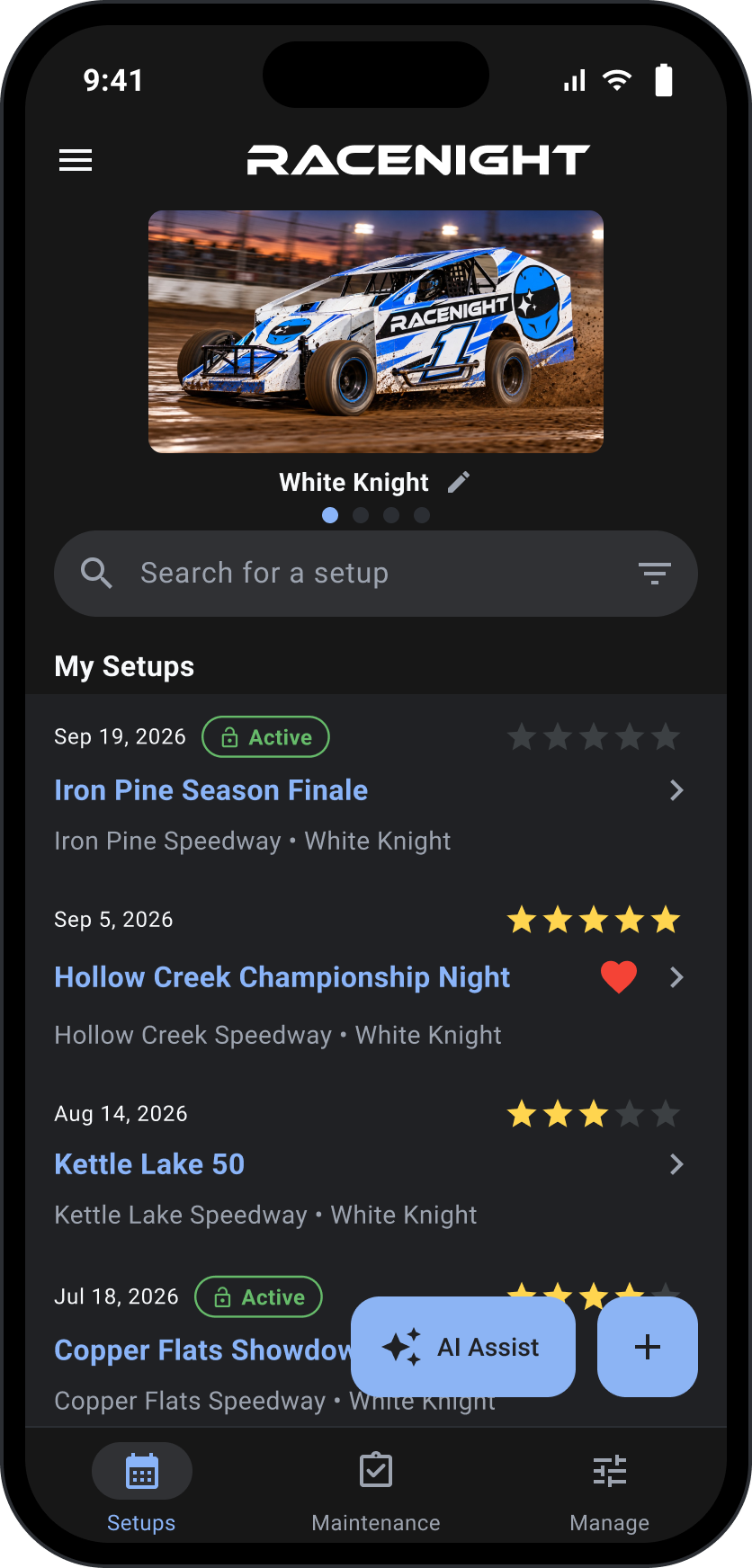
Review night-by-night adjustments to see what changes delivered real speed.
100% offline trackside. All setup sheets, scaling logs, and notes stay on your device.
Track component laps and catch part fatigue before loading the trailer.
Scale the car, set your baseline, and log specs before loading the trailer.
Review past track notes and ask your AI Crew Chief what chassis changes to make.
Log adjustments between heats 100% offline trackside with zero cell service.
Check out the features and how it works.
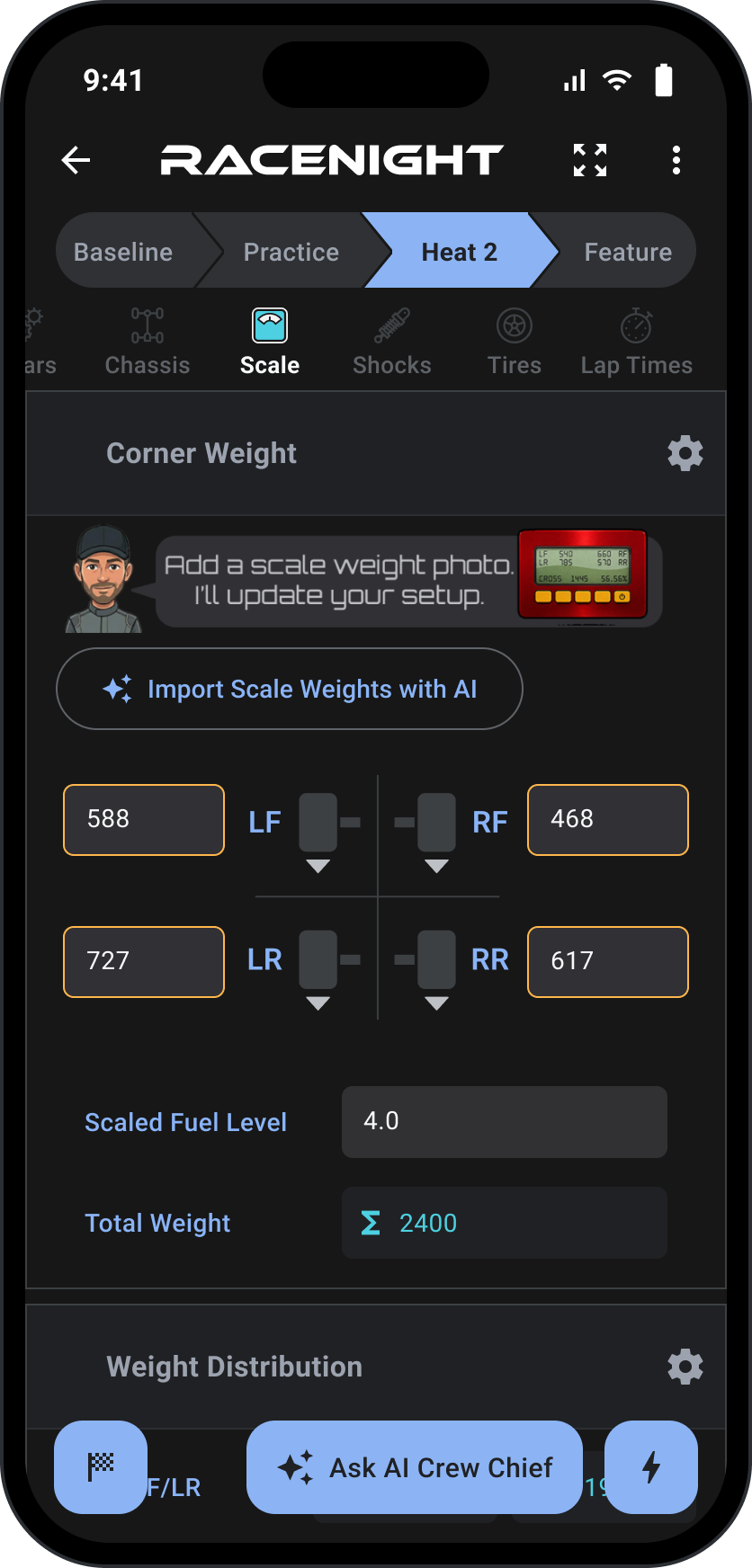
Log track conditions, chassis specs, scales, shocks, and tire temps in seconds. See your numbers 100% offline trackside.
Save your absolute best, proven setups as a starting point so creating new setups is a breeze.
Type it once, and the app remembers your custom gear, tracks, or setups so they're ready for next time.
Only see what you tune. Hide inactive fields while keeping your background specs saved.
Save time by tapping on buttons instead of typing.
Add any photos to your setup sheets.
See a bird's-eye view of every field on one page.
Your entire racing history in one spot. Every car and track saved in your pocket.
Log every run and every adjustment without ever running out of “pages.”
Find what you need in 3 seconds by searching or filtering by car, track, date, rating, and more.
Want to run a specific setup? Clone it as your starting point with one click.
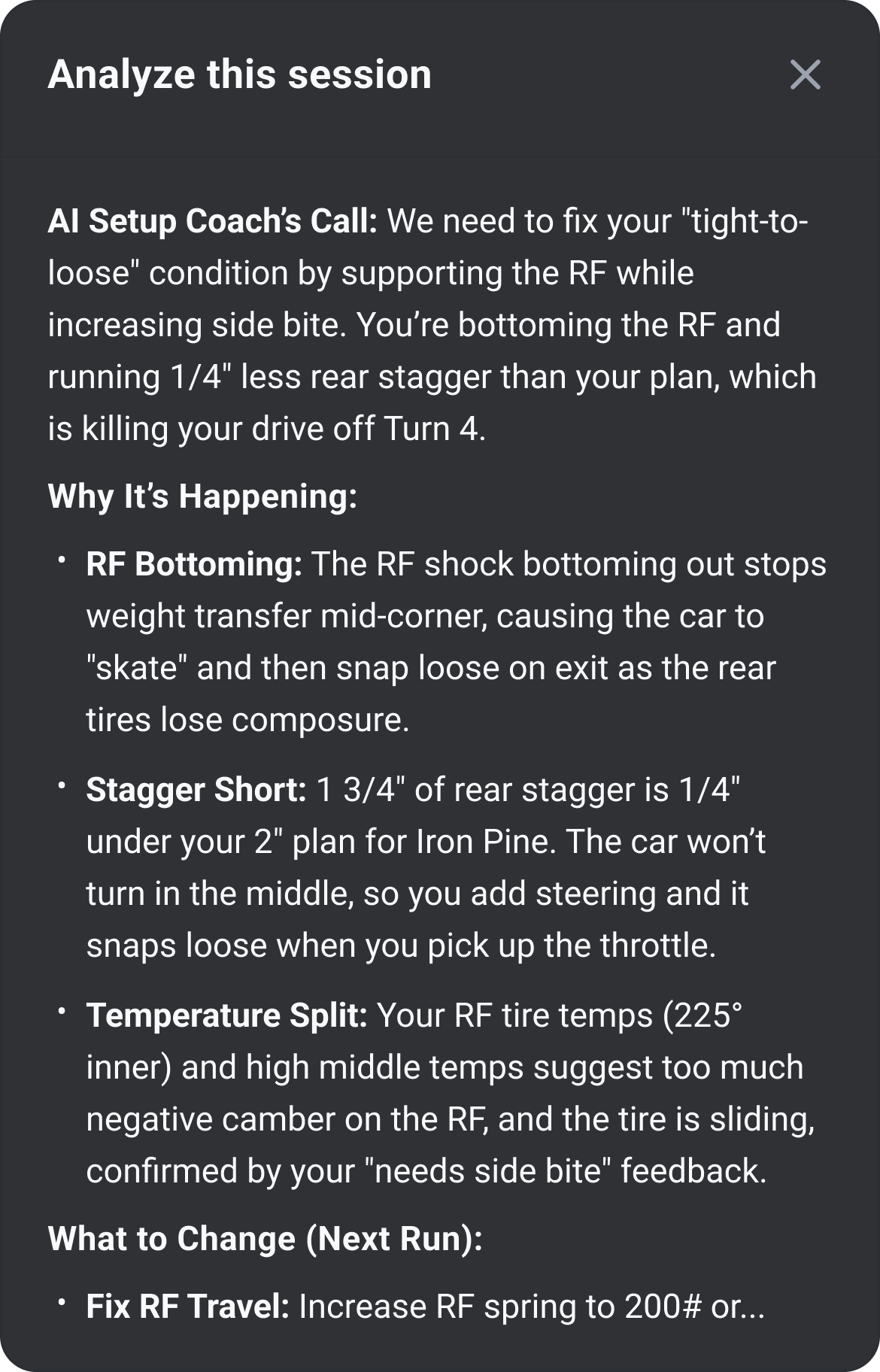
An analysis of your race performance and advice to improve, built from your driver feedback, setup changes, and recap data.
Email a PDF
Pick one session or the whole race. RaceNight emails you the PDF to forward to your crew or print. Included with RaceNight Pro.
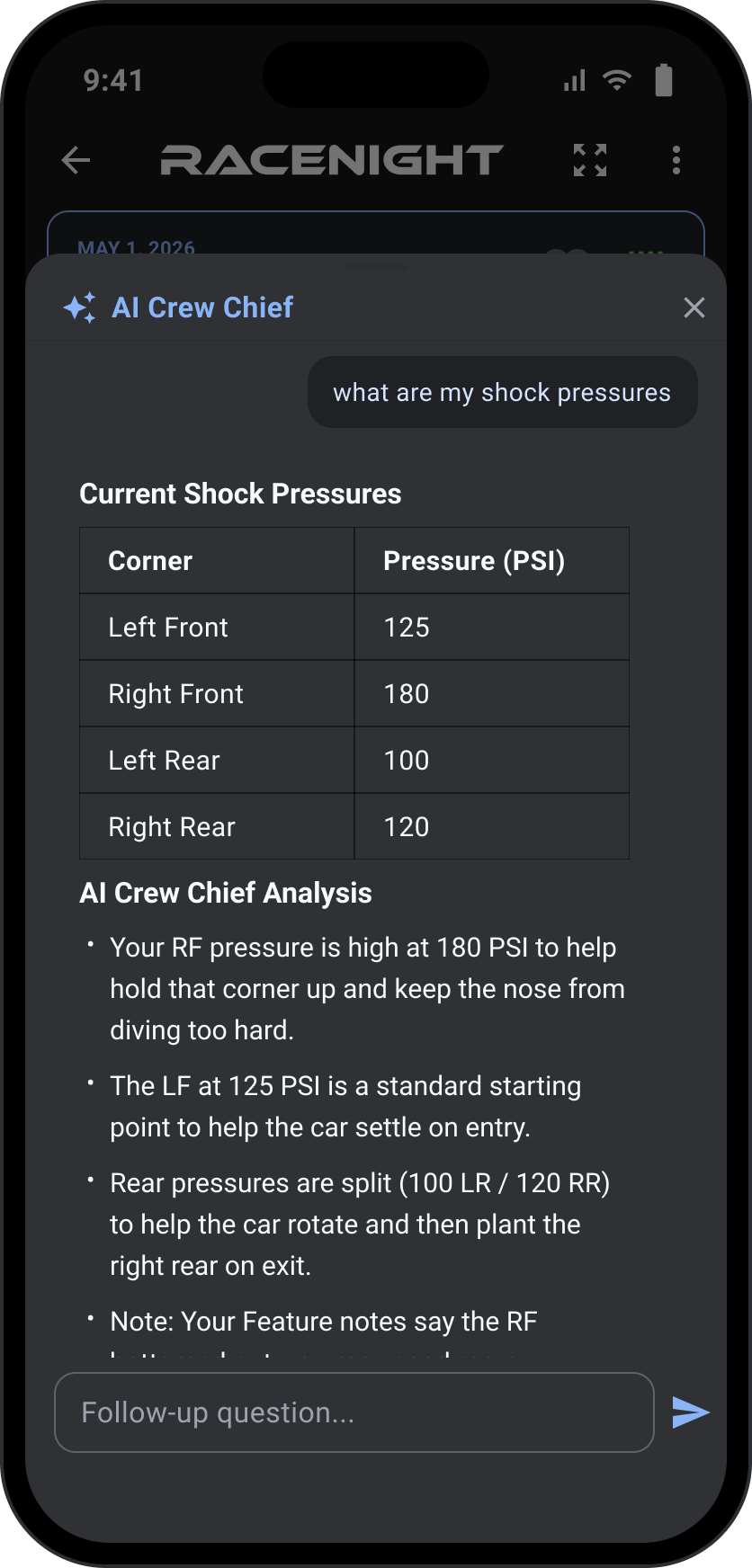
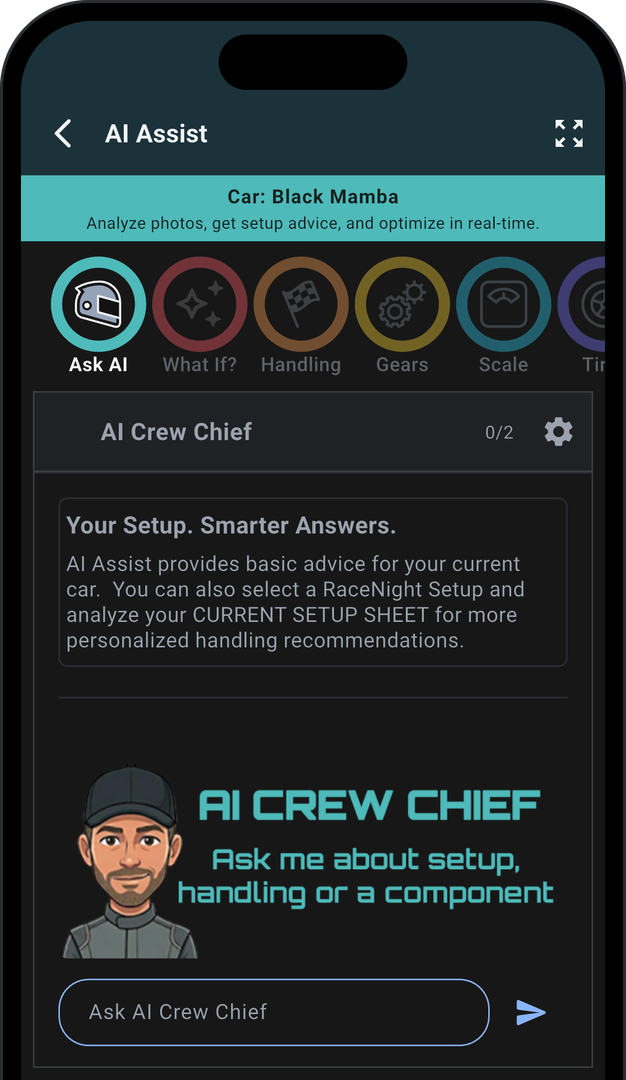
AI Crew Chief combines your setup specs with driver feedback to suggest real adjustments built for your chassis.
Question about what to adjust as conditions change, or want to compare previous setups? Just ask.
Stuck on a handling issue? Let AI analyze your build and find adjustments for extra speed.
Plug in your temps and AI tells you if you're leaning on the tires too hard or your camber is out of whack.
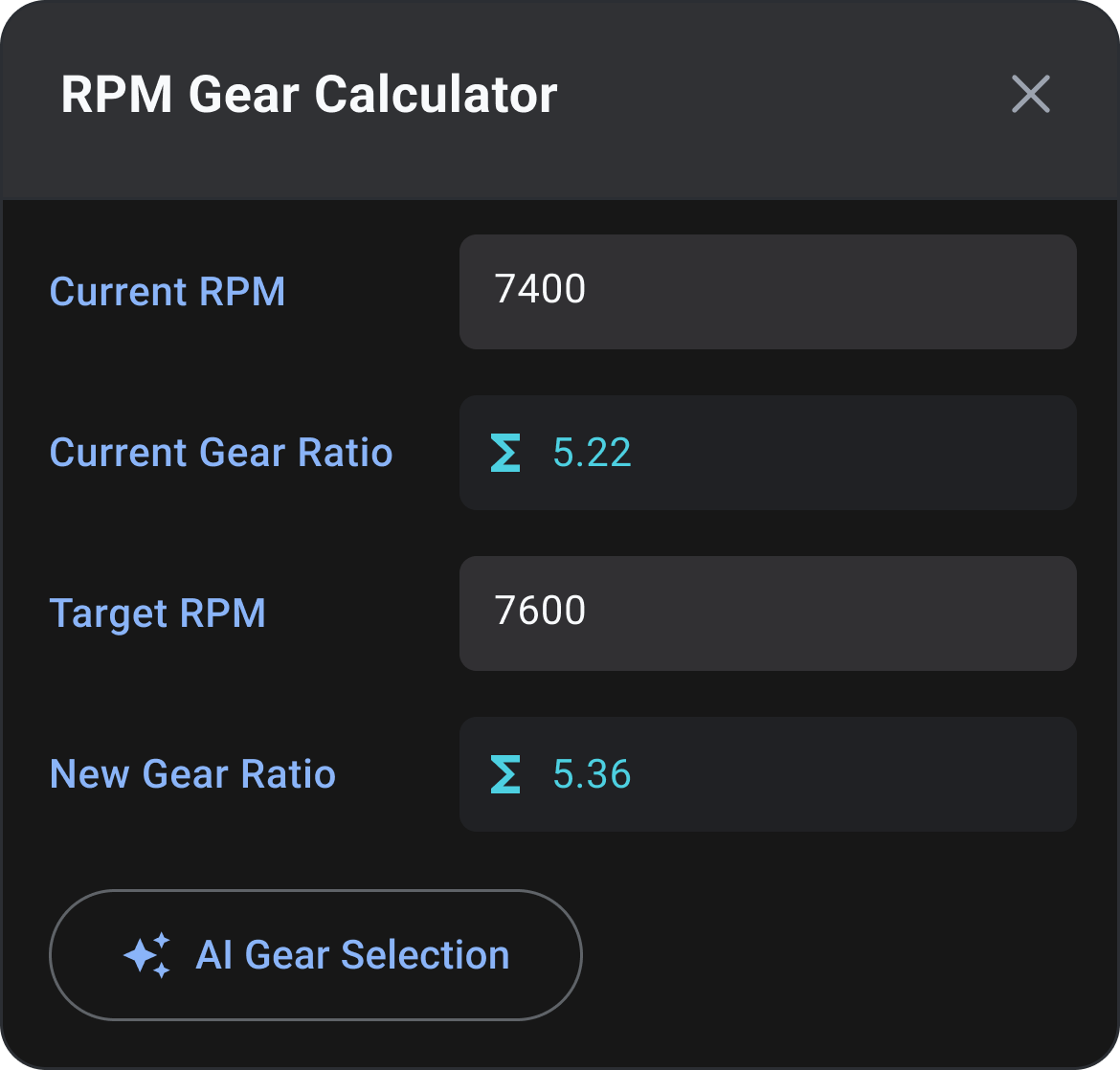
Stop guessing on the rear-end gear. Input your data and AI gives you the right ratio for your target RPM.
Take a pic of your paper setup sheets, digital scale, or tire temps and AI fills in the setup. Now in RaceNight Pro.
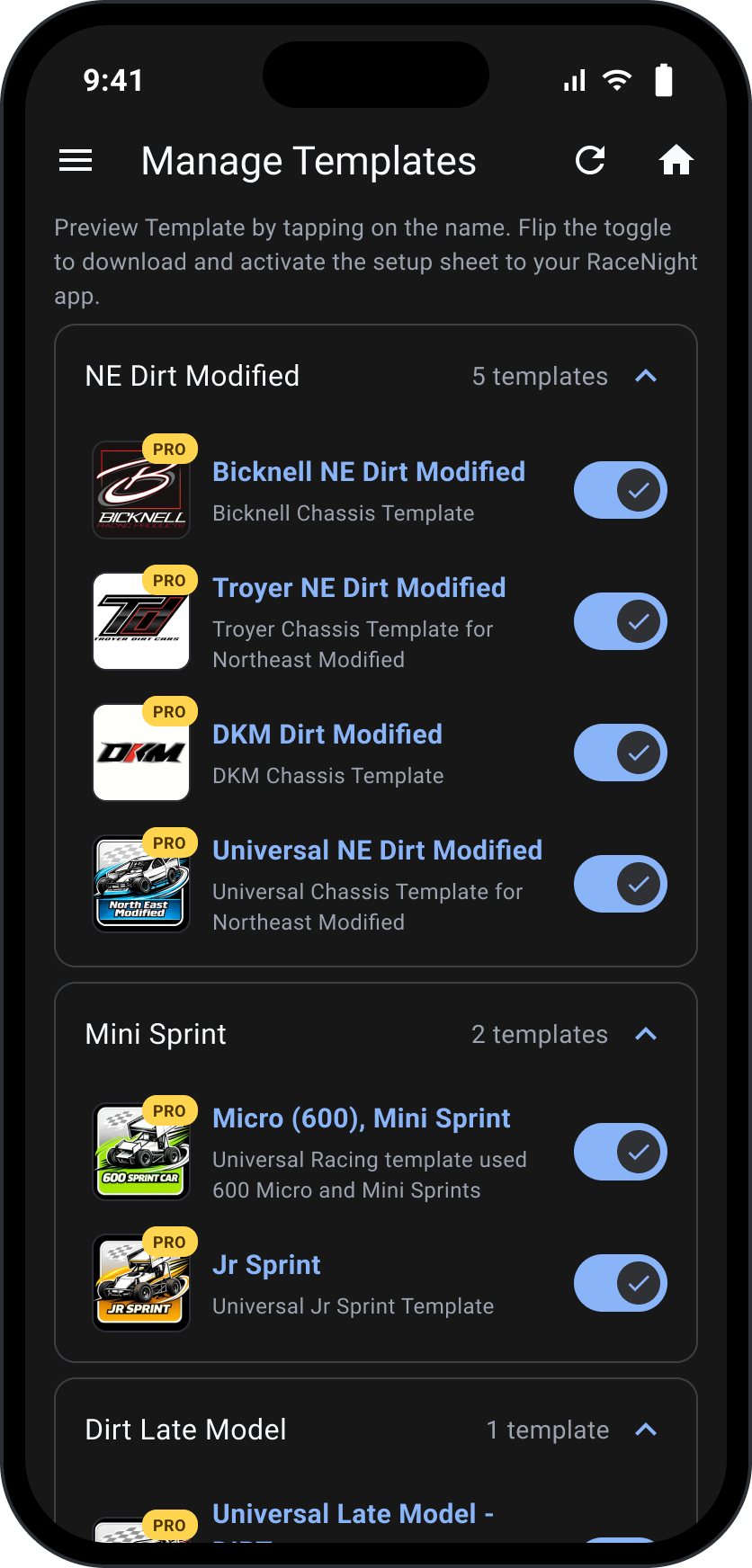
Start from professional pre-built templates designed to track everything about your car's geometry and measurements.
Out-of-the-box setup sheets for your class, from Karts to Super Late Models and beyond.
Including what the manufacturer recommends.
The template handles the math on complex adjustments like cross weight, stagger, and fuel.
Hide what you don't use, highlight what you do. Keep your sheets clean.
When we add new fields and features, your templates update automatically.
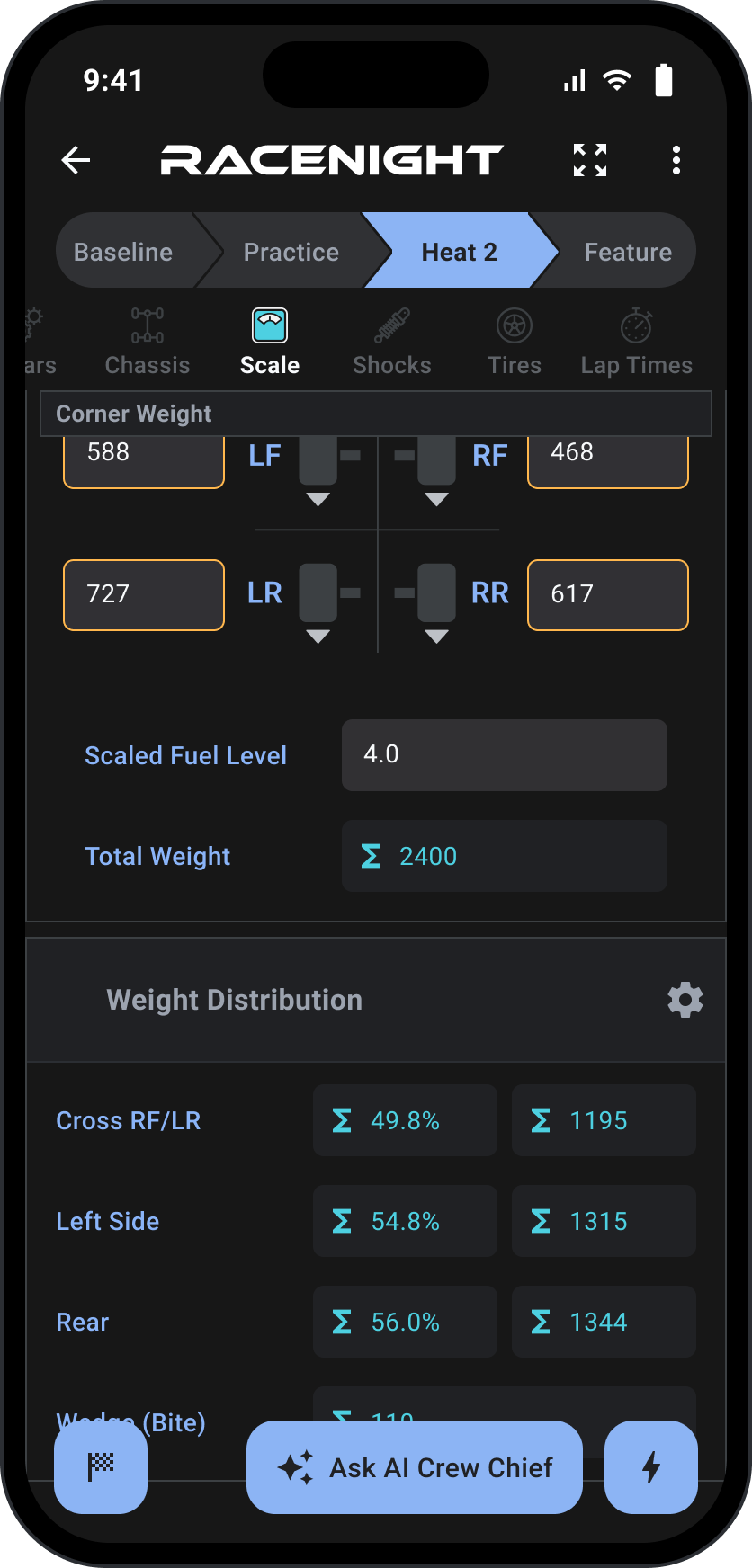
Big buttons and clean layouts built for greasy hands trackside.
Select your front/rear sprocket for chain-driven cars with an interactive chart, and analyze exactly what each swap is worth before you make it.
Pick your 6-spline or 10-spline quick change gear set from the sets you own, right on the Gears page.
Enter your current and target RPM, and it works out the new gear ratio.
Your actual stagger vs. your plan, calculated automatically.
Keep your cheat sheets and handling notes with you for quick reference.
Automatically match up tires to find the perfect stagger.
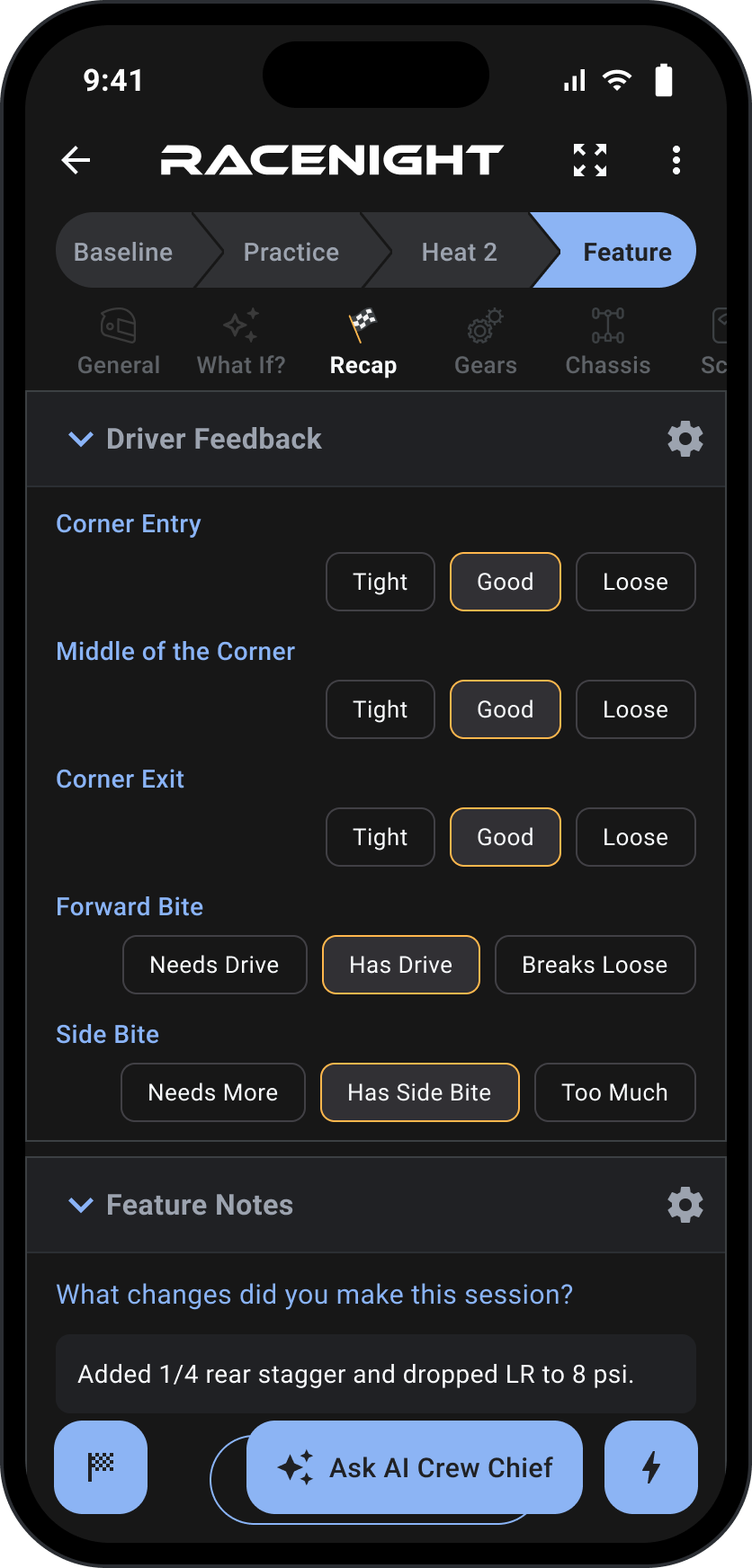
The race ends when you record the why behind your result.
Capture the driver's thoughts through the corners and down the straights.
Write down what you adjusted each session.
How the car performed, and what got better or worse after each change.
Remind yourself what to try next week.
Let the whole crew leave feedback on what worked.
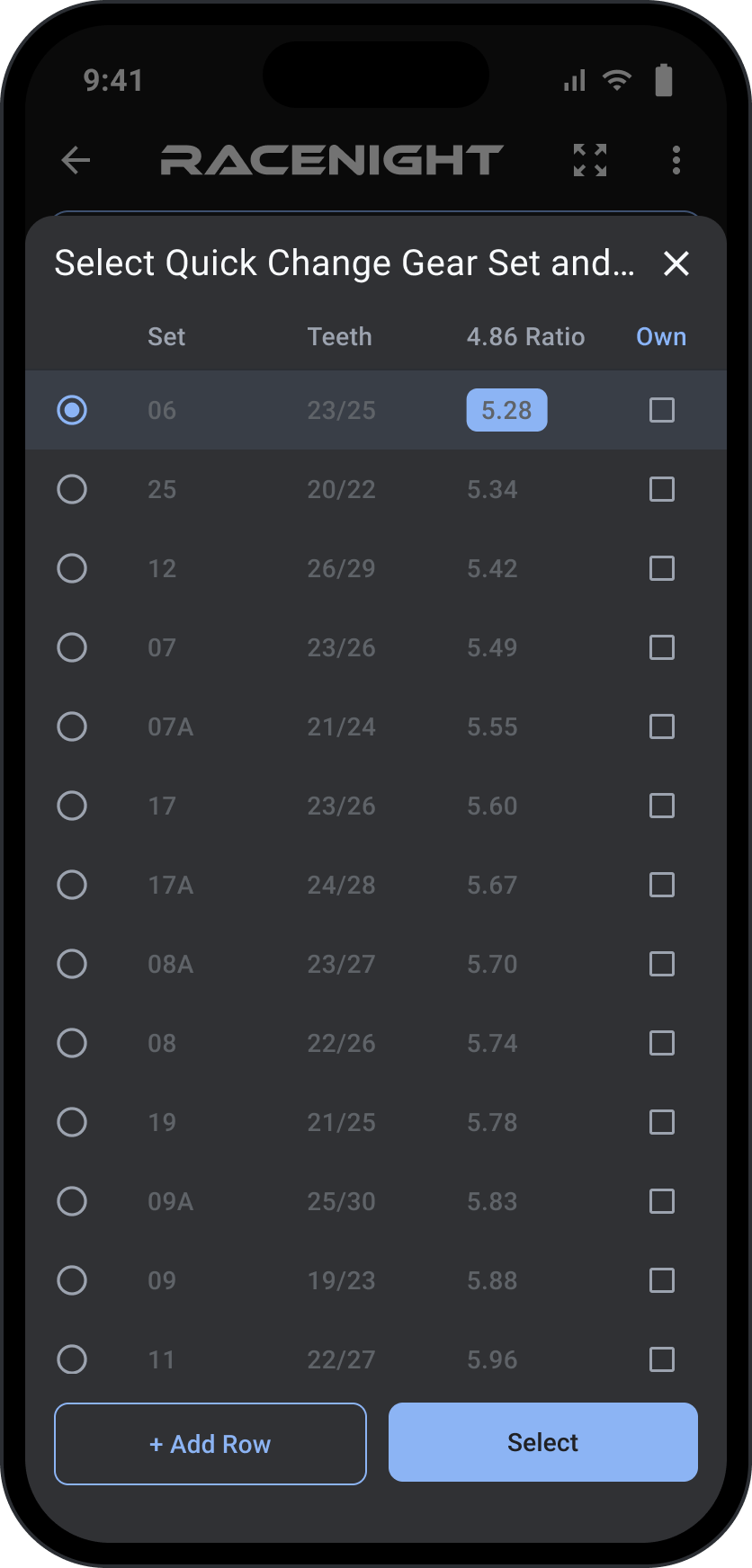
Manage the hardware so you are never caught off guard, and filling in setups gets even easier.
A digital gear chart and list of every set you own.
Save your spring smash numbers right on your setup sheet.
Every tire in your rack and what's mounted.
The life and performance of every tire you own.
Manage your full shock assemblies.
Valving and internal configuration records.
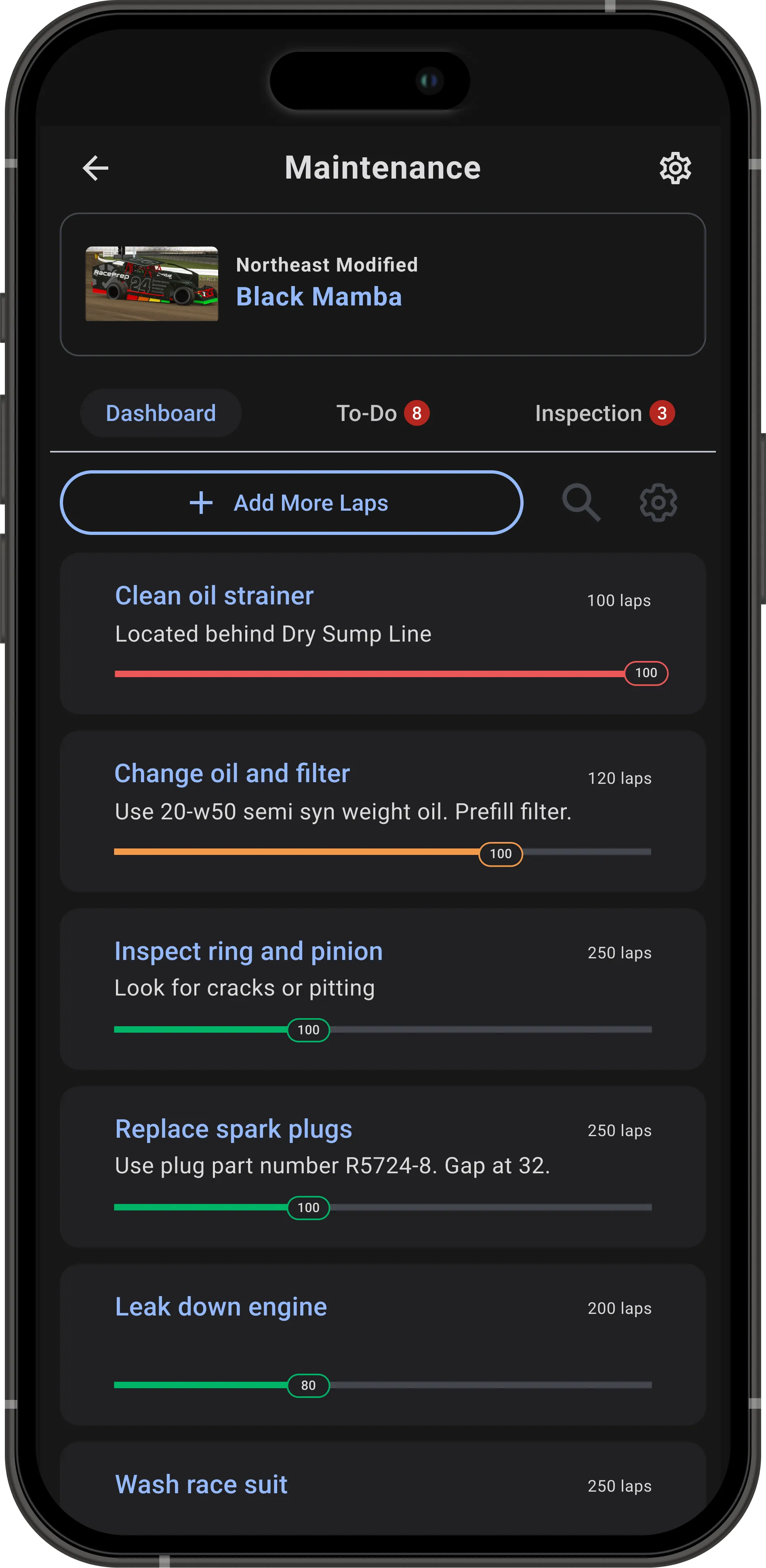
Winning starts with garage prep. Know your car is race-ready before the trailer door even opens. Included with RaceNight Pro via RacePrep. For the best experience, try RacePrep.
Track laps on motors, shocks, and chassis to service them before they fail.
Customizable tasks for each car with what needs action now and what's coming due for service soon.
Ensure every bolt is checked and every part is ready.
One shared list of everything you and your crew need to pick up to keep the trailer and garage stocked.
Centralized database of all your parts and supplies with reordering info, including direct links to buy them.
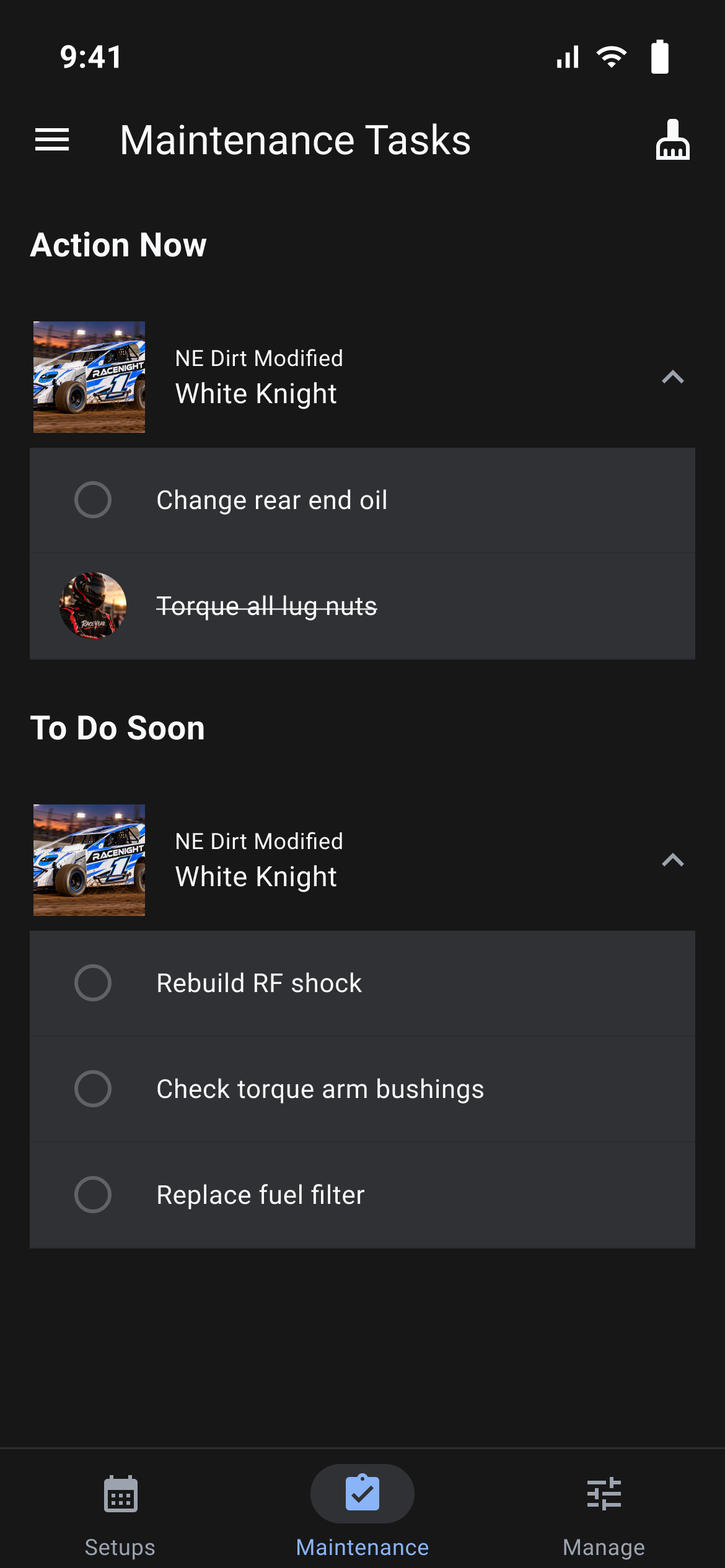
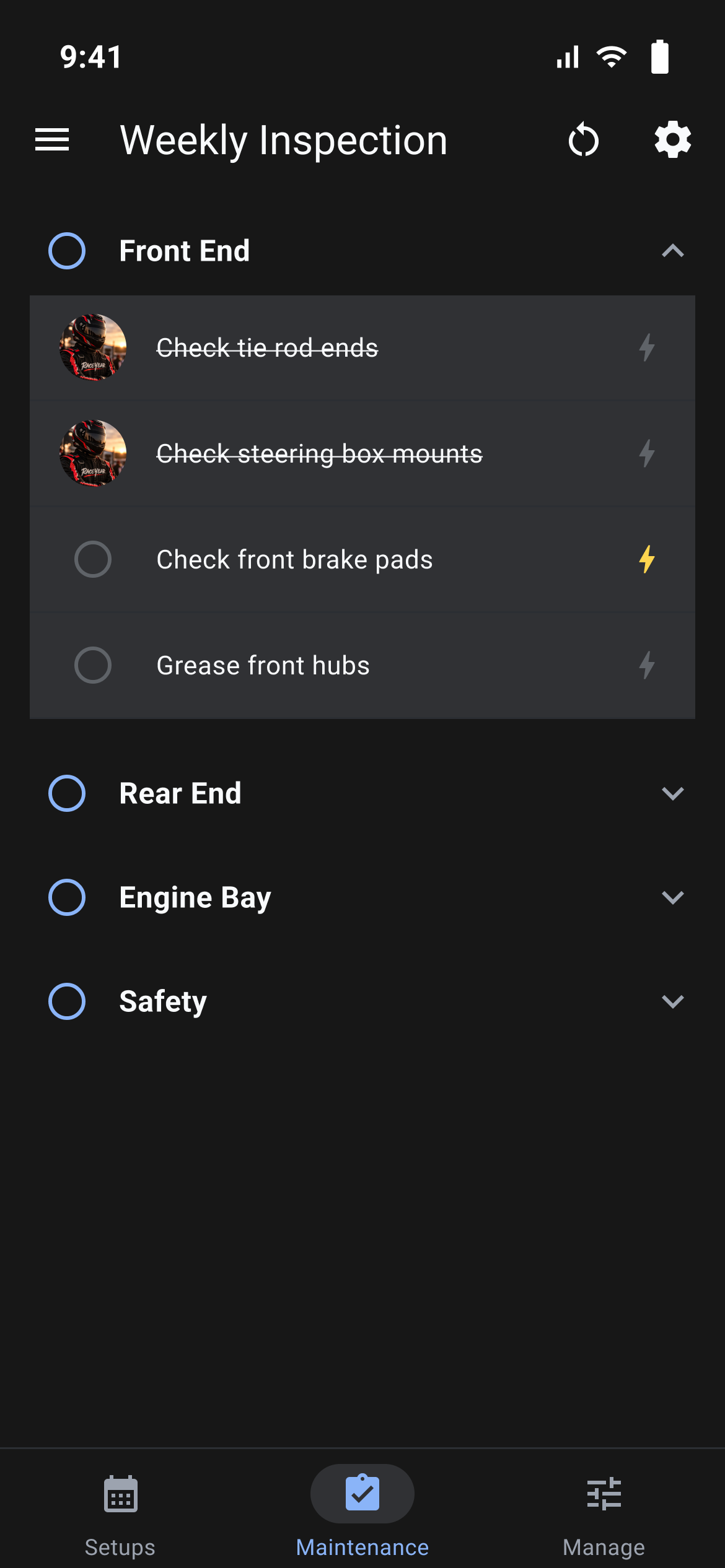
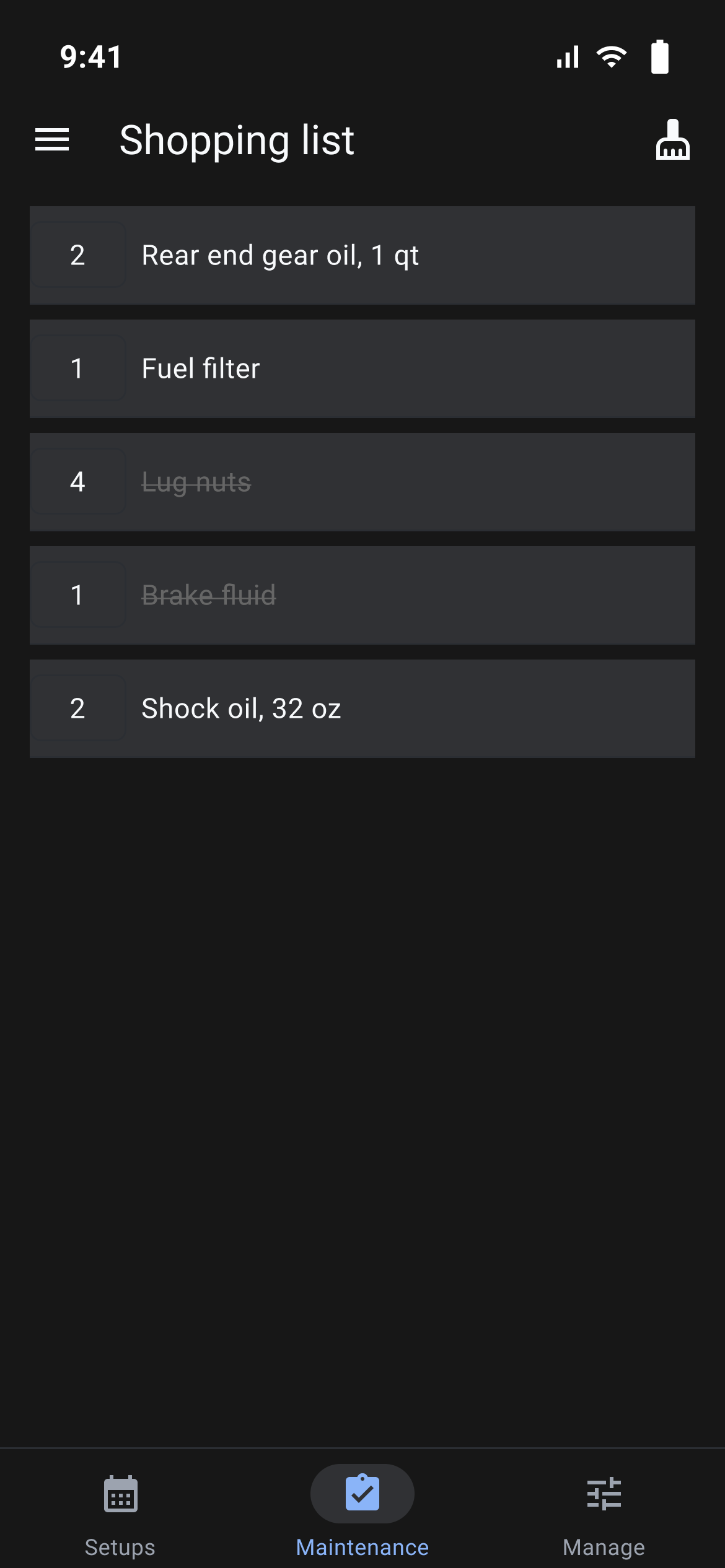
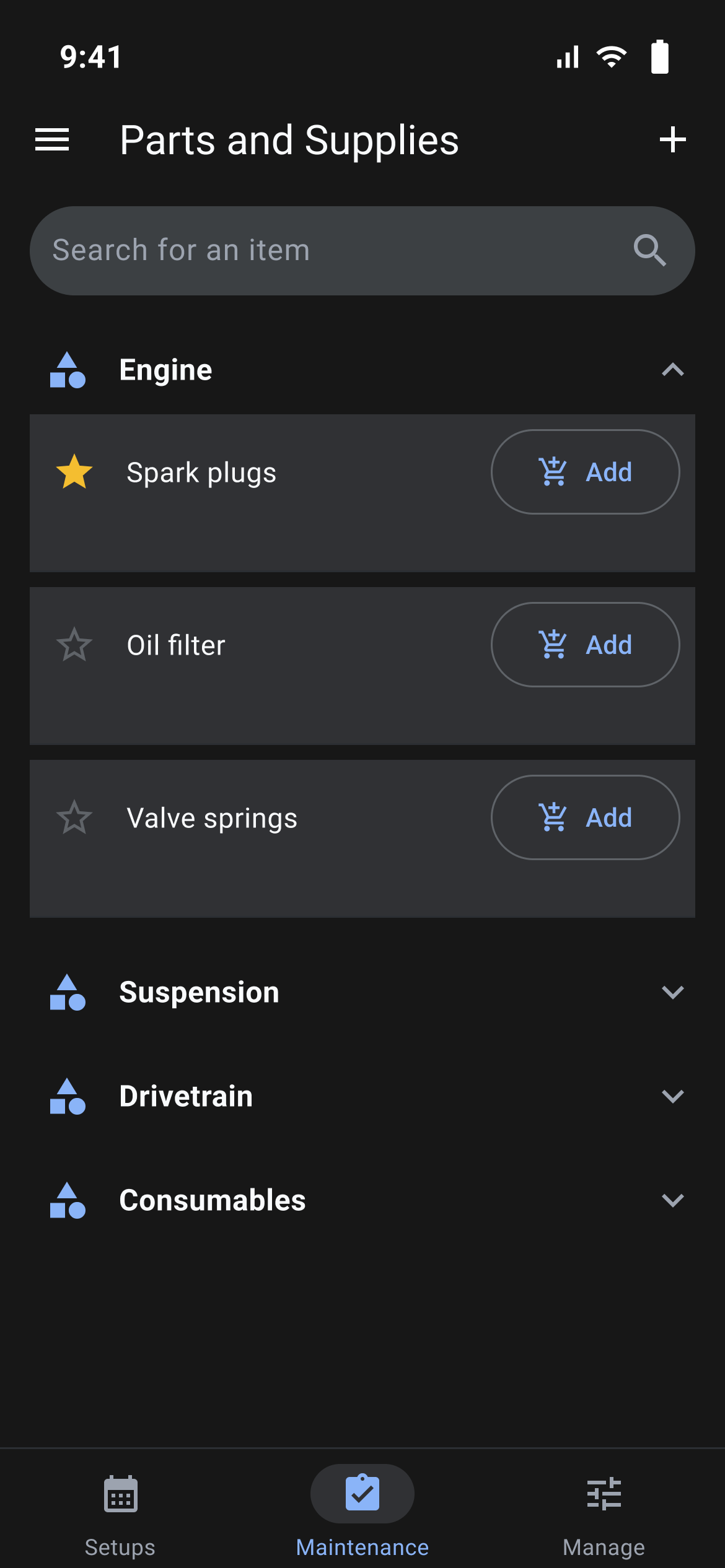
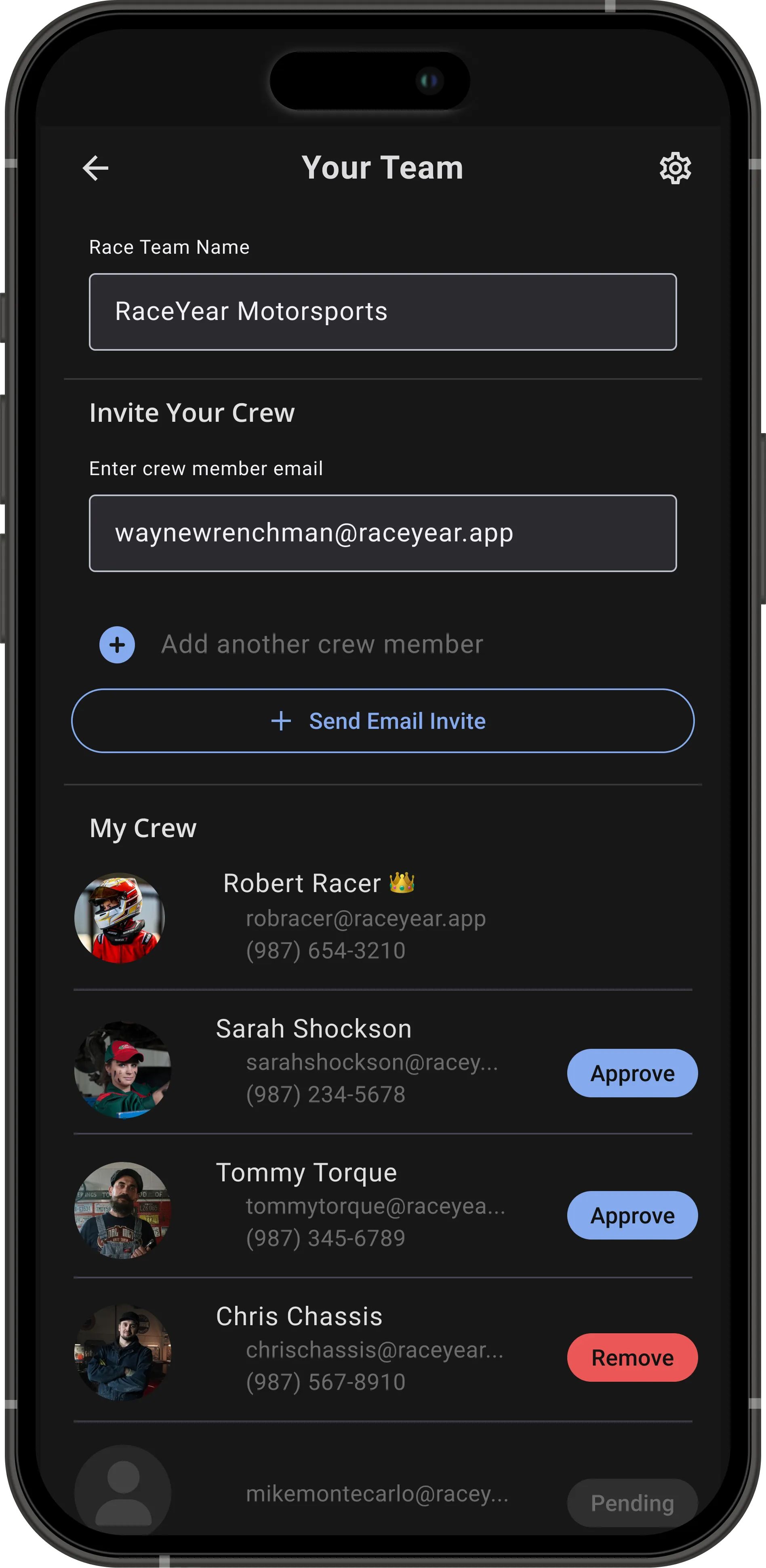
One car or the whole fleet today. Your crew already runs maintenance together through RacePrep.
Setups for one race car or the whole stable.
Invite your whole crew to run maintenance on the car together, live today in RacePrep.
Crew Chief invites and manages setup team members. Team setup sharing is coming soon.
Control who sees and edits what: live today in RacePrep, coming soon to RaceNight setups.
Join as many teams as you are invited to, live today in RacePrep.
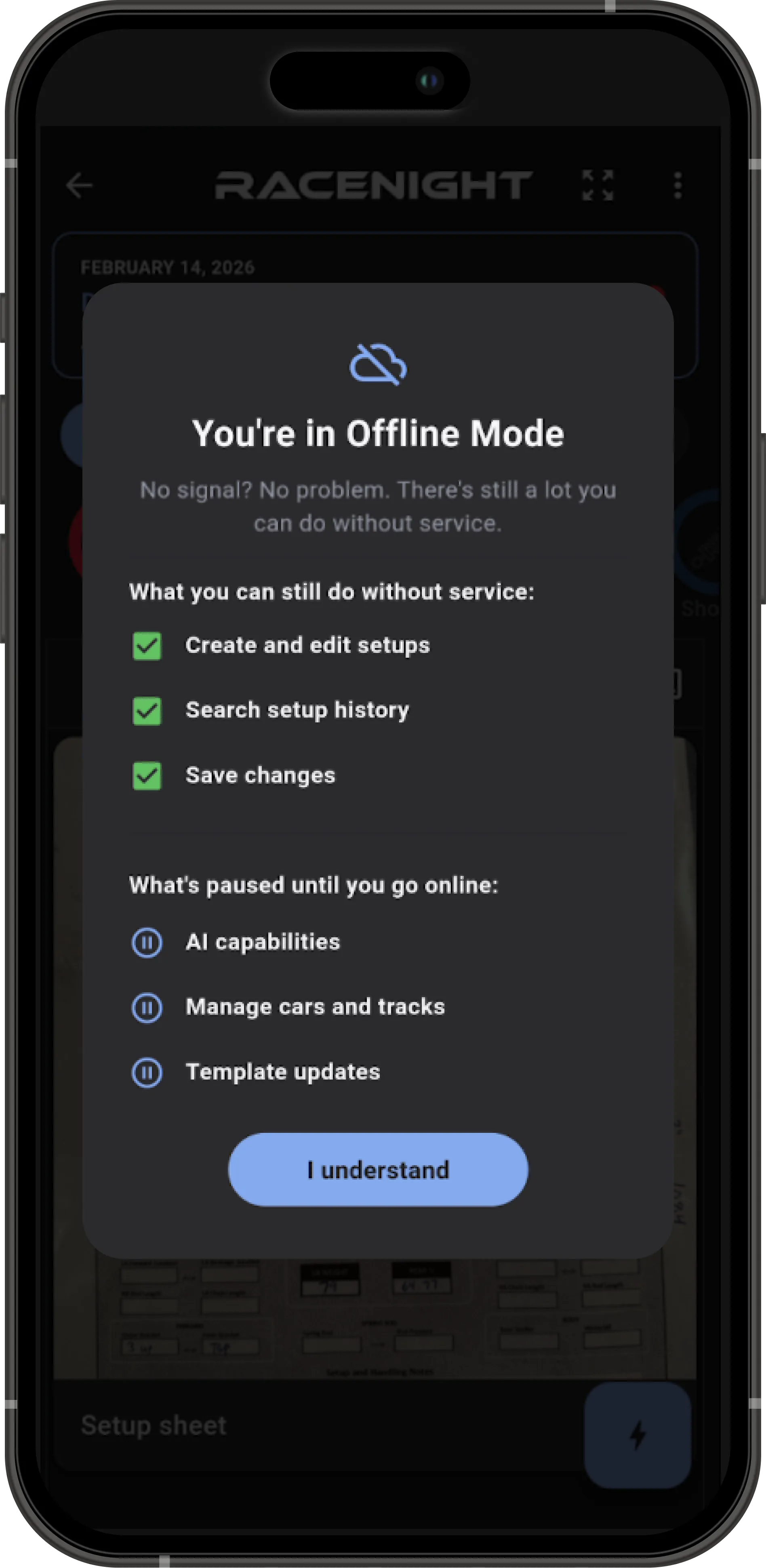
Your setup is your competitive advantage, and we treat it that way. Your secret sauce is locked down.
Log, search, and save setups without a single bar of signal.
On-device for speed, security, and offline reliability.
Sensitive data encrypted in secure, access-controlled systems.
Break or upgrade your phone. Your setup history stays safe.
Private share codes
Share with trusted experts like your shock guy, with full context.
It had a good run.
Made with help from top racers around the country. If we don't have yours, tell us and we'll build it.

One chat that knows every setup you've saved, plus six tools built into your setup sheets.
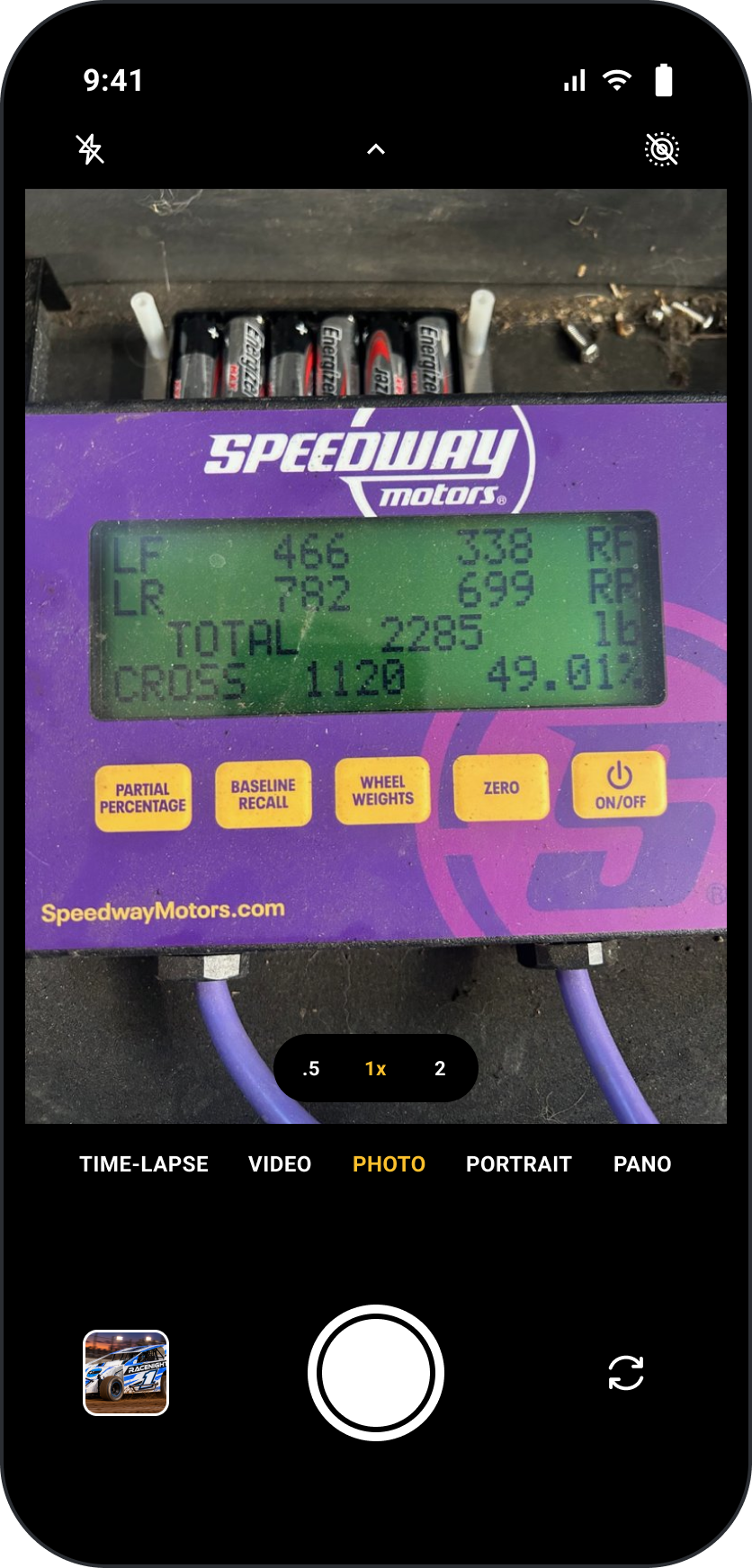
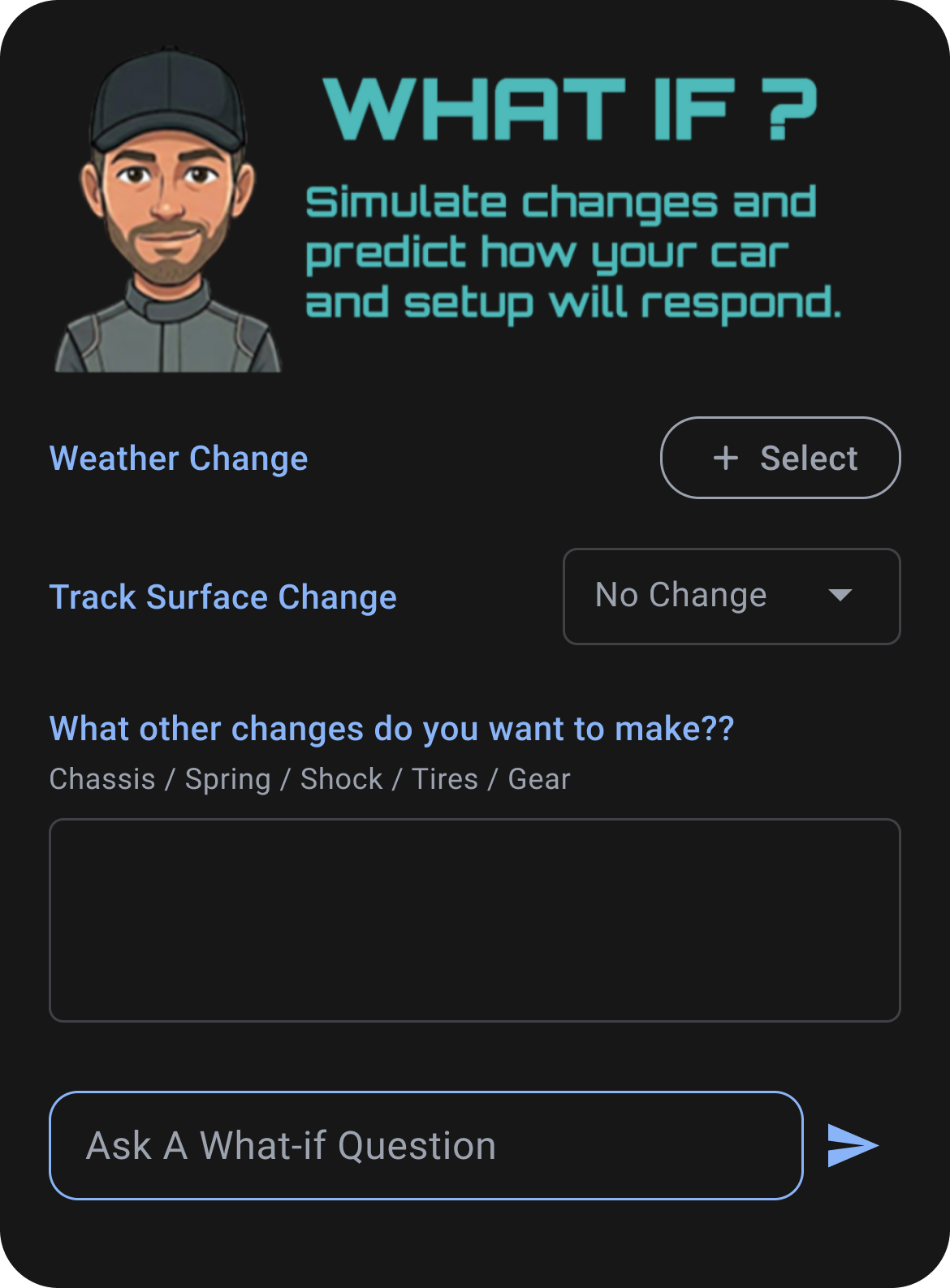
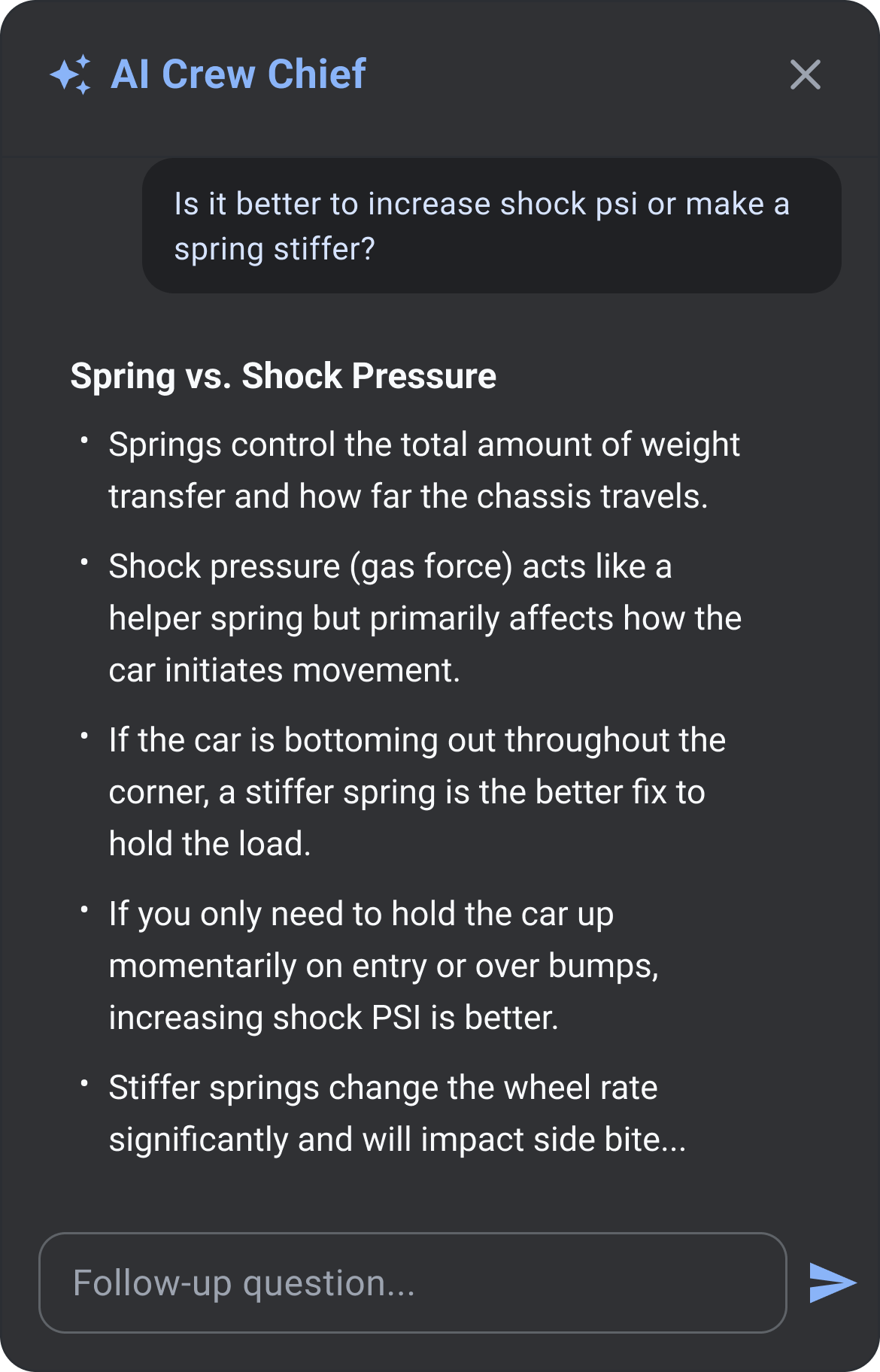
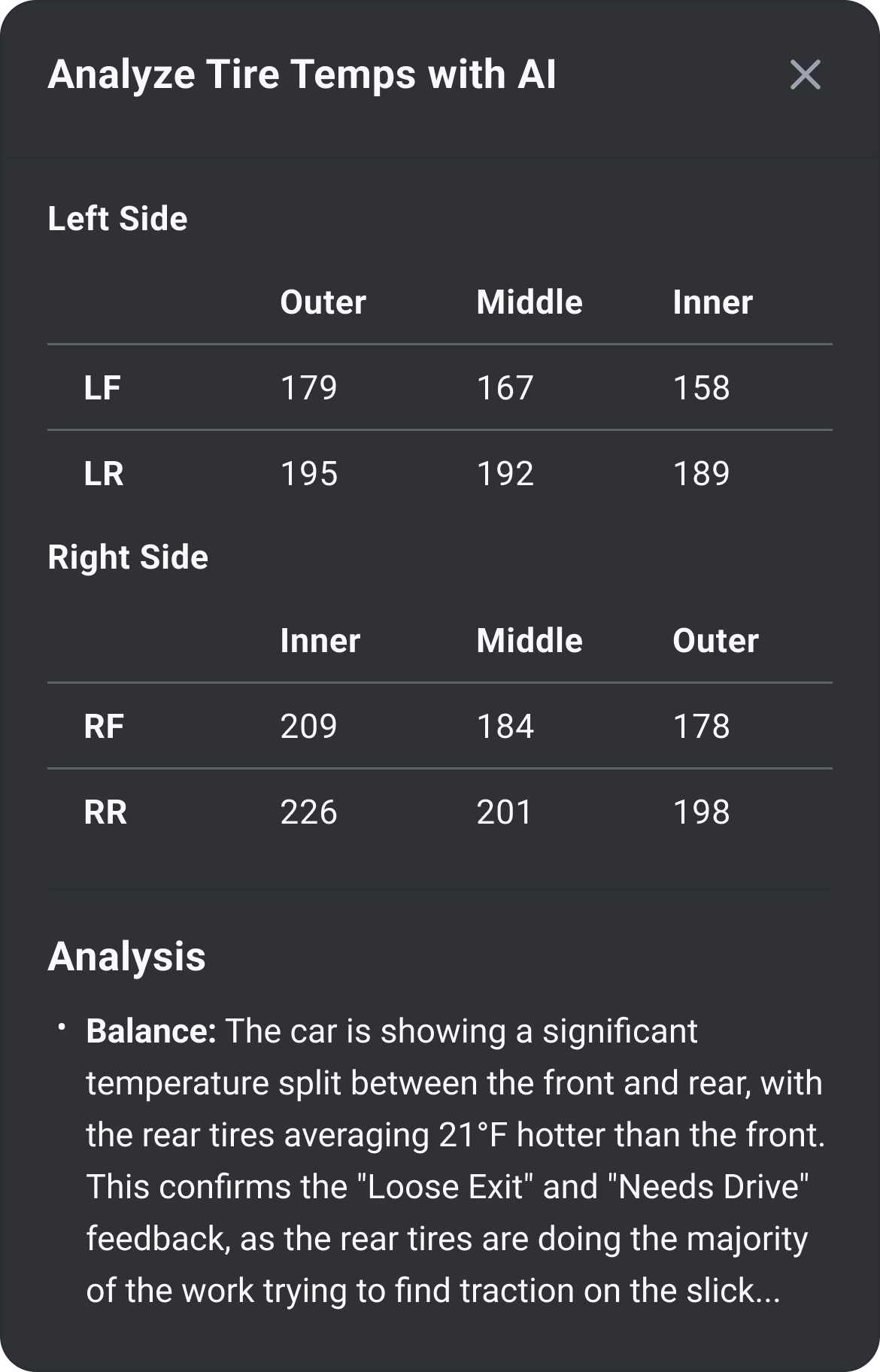
Snap & Fill is included with RaceNight Pro on iOS and Android.
Start with a 14-day free trial. No gimmicks, cancel anytime.
Print & email setup PDF
—
✓
Private share of the setup
—
✓
Download community setups
—
✓
Post setup to the community
—
✓
RaceNight Pro includes RacePrepMaintenance, inspections, and team tools ride along.
Cancel from your App Store settings — no retention maze, no five-screen exit survey. A few days later we'll email you one question:
“What’s ONE thing we could have done to keep you as a customer?”
Reply or don't — you're canceled either way. We just read every one.
More: User Guide · Tutorials · Help
Grab free printable setup sheets for easy AI scan and import: Limited Sportsman, Sportsman, and NE Modified.
Start a 14-day free trial. Log tonight's setup and never lose it again.



%20horizontal.png)