RaceNight help center
Quick answers to what racers ask most, and how to reach us. For step-by-step screens, see the Tutorials. For every screen in detail, see the user guide.
Find it fast
- Step-by-step tutorials: the best first stop if you just installed the app.
- User guide start page: signing in, first-run setup and plans.
- Setups and sessions: the setup list, making a setup, the sheet and its sessions.
- Fields, recap and the full sheet: filling in fields, pit tools, Recap, baselines.
- AI tools: AI crew chief, AI Assist, Snap & Fill photos.
- Cars, tracks, tags and templates: add your cars and tracks, sort with tags, turn on class templates.
- Community setups: browse and share setups.
- Account, plans and maintenance: profile, plans and purchases, maintenance, Team & Crew.
- Offline, backup and FAQ: what works with no signal, backup, icons, common questions.
Read this first
- Your setups live on your phone. RaceNight backs them up only when you sign out. If you lose the phone without signing out, everything since your last sign-out is gone.
- Use one phone at a time. Two phones signed in to the same account overwrite each other's backups, so sign out of the old phone before you sign in on a new one.
- Signing in on a new phone restores your last backup and replaces anything already on that phone. Sign in before you start entering setups.
- Some taps have no undo. Deleting a track happens at once with no warning, and deleting a shared setup listing is permanent. Deleting a car asks first, but it can't be undone either.
- Change your profile when you have a signal. An edit made with no signal is lost without a message.
More detail: Offline, backup and FAQ.
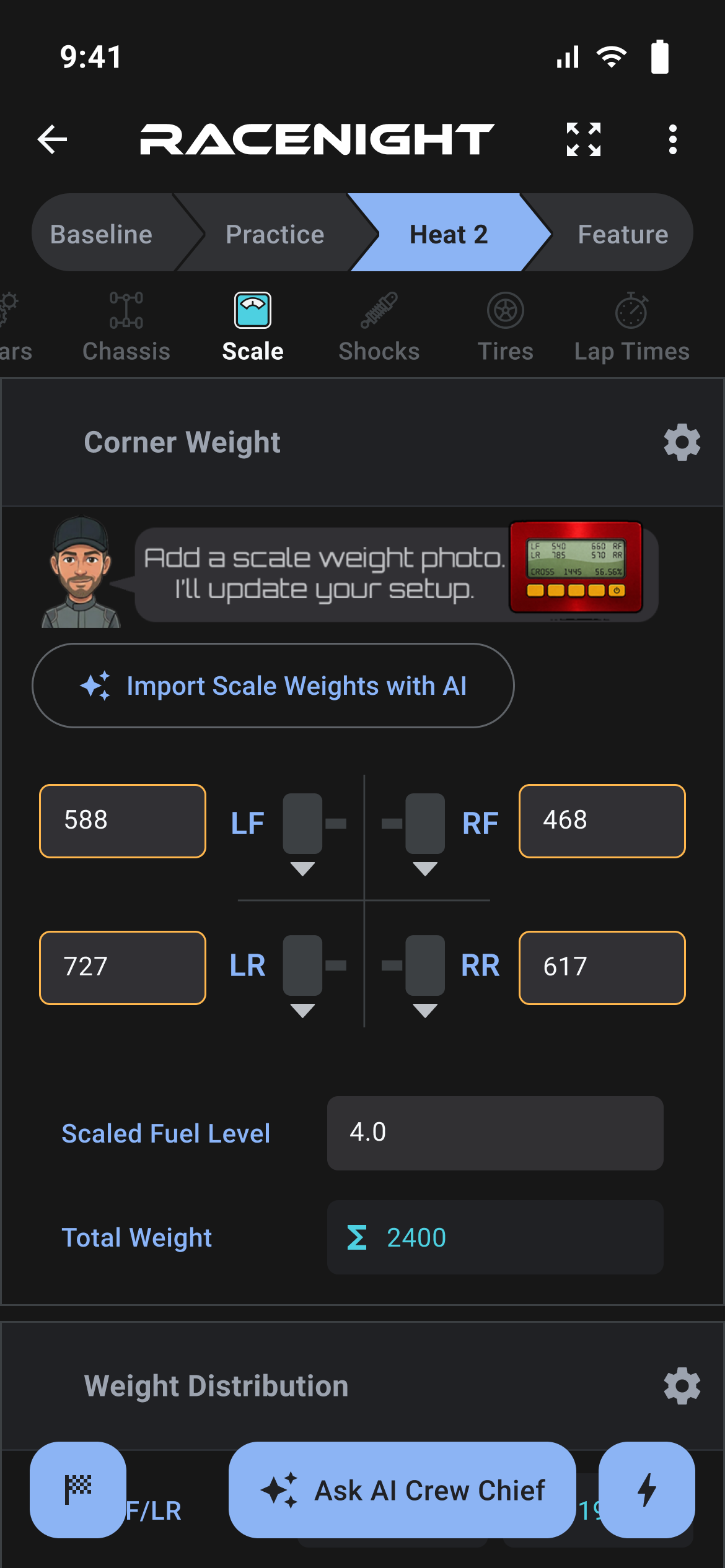
Quick answers
Where is the Save button on a setup sheet?
There isn't one. A value saves when you move off the field, press done on the keyboard, or switch sessions. Filling in fields
Can I rename or add fields on a sheet?
No. The class template sets the fields. You can hide the ones you don't use: tap the gear on a panel and switch them off. Some fields can't be hidden. Hidden values stay saved. Show and hide fields
Does RaceNight work at a track with no signal?
Yes for your setups. You can create and edit setups, search them and save changes. You can also add a track by hand and edit your cars and tracks. AI, Community Setups, sharing, emailing setups, sending laps to maintenance, searching for a track, adding a new car, and template updates wait until you have a signal. Working offline
Are my setups saved to the cloud?
Your setups live on your phone. RaceNight backs them up to your account only when you sign out, and brings them back the next time you sign in fresh. There is no backup while you stay signed in, so if you lose the phone before you sign out, anything since your last sign-out is gone. Backup and restore
How do I move to a new phone?
Log out on the old phone with a signal so it backs up, then sign in on the new phone with the same account. Use one phone at a time. Two phones signed in to one account overwrite each other's backups. Tutorial: Move to a new phone
I can't find a setup I made.
The setup list shows one car at a time. Swipe the car carousel to the right car, or open the filter and clear it. Your setup list
What do the two plans include?
RaceNight Pro, and the free trial, include everything: setups, sessions, templates, baselines, tracks, tags, maintenance, sharing, email and Community Setups. The RaceNight AI plan gives you the AI Assist button on the setup list for AI questions, plus Cars, Best Practices, Profile and Subscriptions. It can't open or create setups. Your free trial and plans
How long is the free trial?
The trial is currently 14 days. The length comes from the plan, so the app always shows the current number on the last screen of the first-run setup and on the Subscriptions screen. Once it's running, the strip at the top of your setup list counts down the days. Your free trial and plans
My trial ended. Did I lose my setups?
No. They stay on your phone. Tap Upgrade Subscription to buy a plan, or use Restore Purchases on the Subscriptions screen, and everything is where you left it. Your free trial and plans
The AI won't answer.
The AI needs a signal. If you have one and it still fails, note the message on screen and send it to us. When the AI cannot answer
My class template is missing.
Tell us on the Template Feedback page. In the app, Request a Template is at the bottom of Manage Templates, and Request a Race Class is at the bottom of the race class picker. Class templates
How do I delete my account?
Use the delete account page. It covers your RaceNight account and data.
Contact RaceNight
Something broken, or a question the answers above don't cover? Send us a message. Pick RaceNight in the form.
To sort it out first time, tell us:
- Your app version. It's the last line at the bottom of the side menu.
- Your phone: make, model, and iOS or Android version.
- What you were doing: the screen, the setup or template name, and the steps.
- The exact message on screen, including any code in parentheses.
- Whether you had a signal at the time.
- A screenshot if you can.